



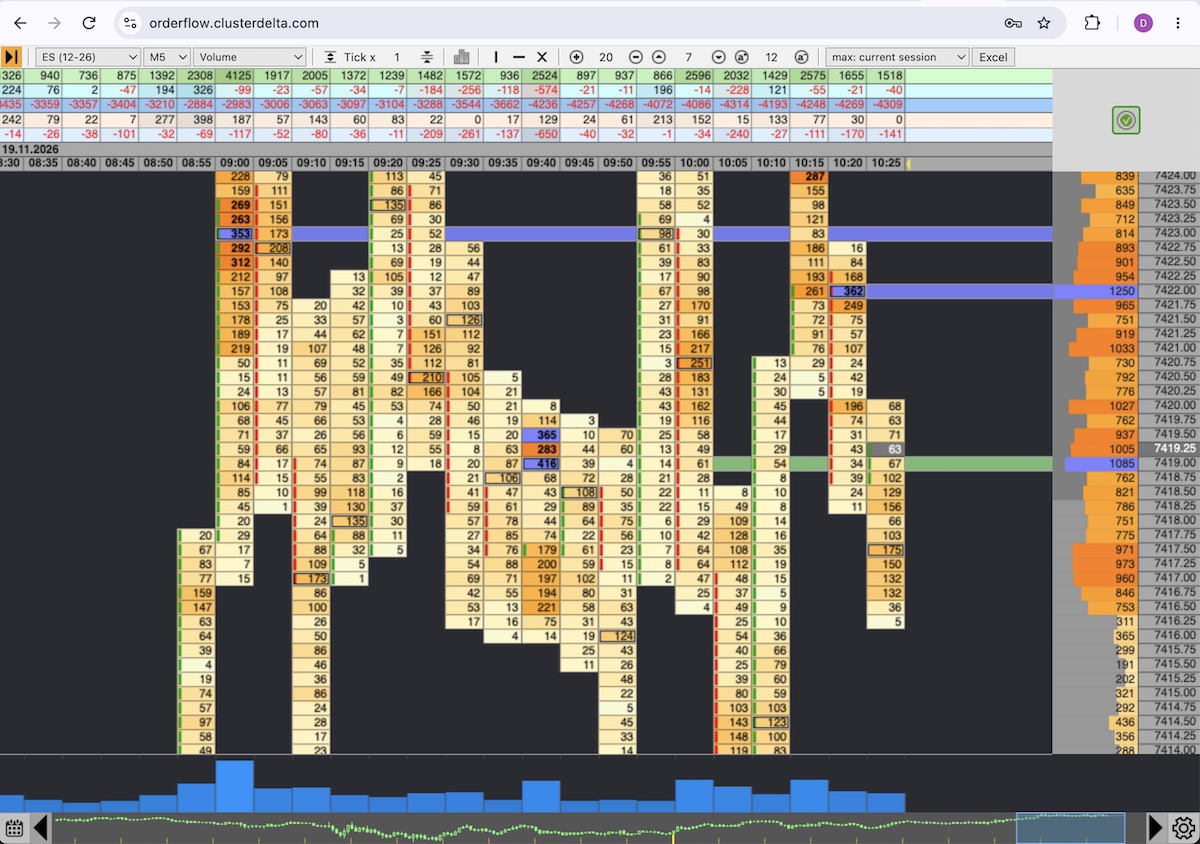
ClusterDelta Orderflow now runs right in your browser: orderflow.clusterdelta.com. Open the link, sign in with your ClusterDelta account, and you get the same footprint charts and order flow tools as in the desktop app, with nothing to install.
The same application in a browser tab
OrderFlow Web App is the full web version of the ClusterDelta Orderflow application for Windows and macOS, and all of its functions are the same as in the app: ten chart types on any available timeframe with deep trading history for each instrument, built-in indicators (Imbalances, Volume Profile, Delta Profile, Unfinished Auctions, Point of Control, Value Area), summary information and the same settings. The workspace adapts to any screen resolution and uses all the available space.
- Nothing to install or update: you always open the current version.
- Works on any computer with a modern browser, whether it runs Windows, macOS or Linux.
- Handy when you are away from your main computer: the charts open on a laptop in a minute.
Access
Sign in with the same username and password you use for my.clusterdelta.com and the app. The web version is part of the Premium subscription, so there is nothing extra to pay: one subscription covers the indicators, the Orderflow app and the web version. You can start or extend your subscription in your account.
Documentation
Since every function of the web version matches ClusterDelta Orderflow, use the application manual: everything in it applies to the web version too.

