ClusterDelta Online is our original desktop platform. It remains supported and fully functional, works on a slightly different principle from our newer software and can export data; for a modern interface on Windows and macOS, see the newer ClusterDelta Orderflow app.
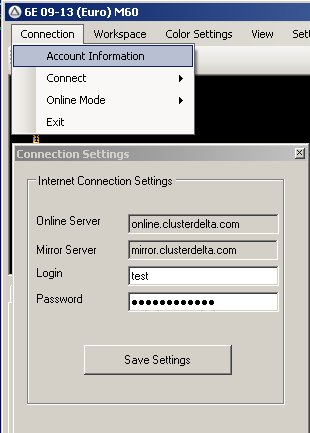
Immediately after the start you will be able to see the interface of the running platform, the downloaded page of the site https://my.clusterdelta.com and
the status of a successful connection with an inscription on green background in the lower left corner
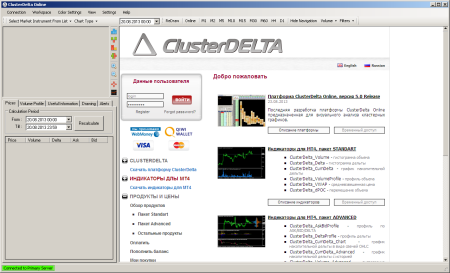
For the cluster chart display on the screen you should select the required instrument by clicking "Select Market Instrument From List".
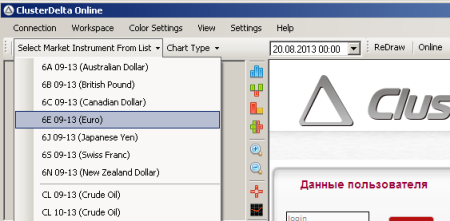
If everything is correct, the cluster chart of the selected instrument will be displayed on the screen from the time indicated above the platform logo.
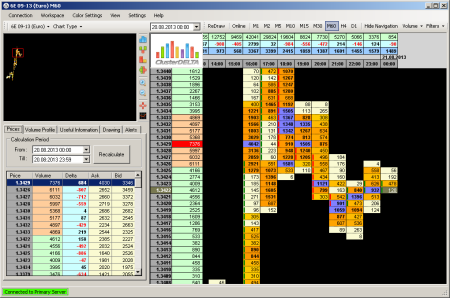
Please remember to check the correctness of username and password (specified during registration at https://my.clusterdelta.com) in the menu "Connection"->"Account Information"